
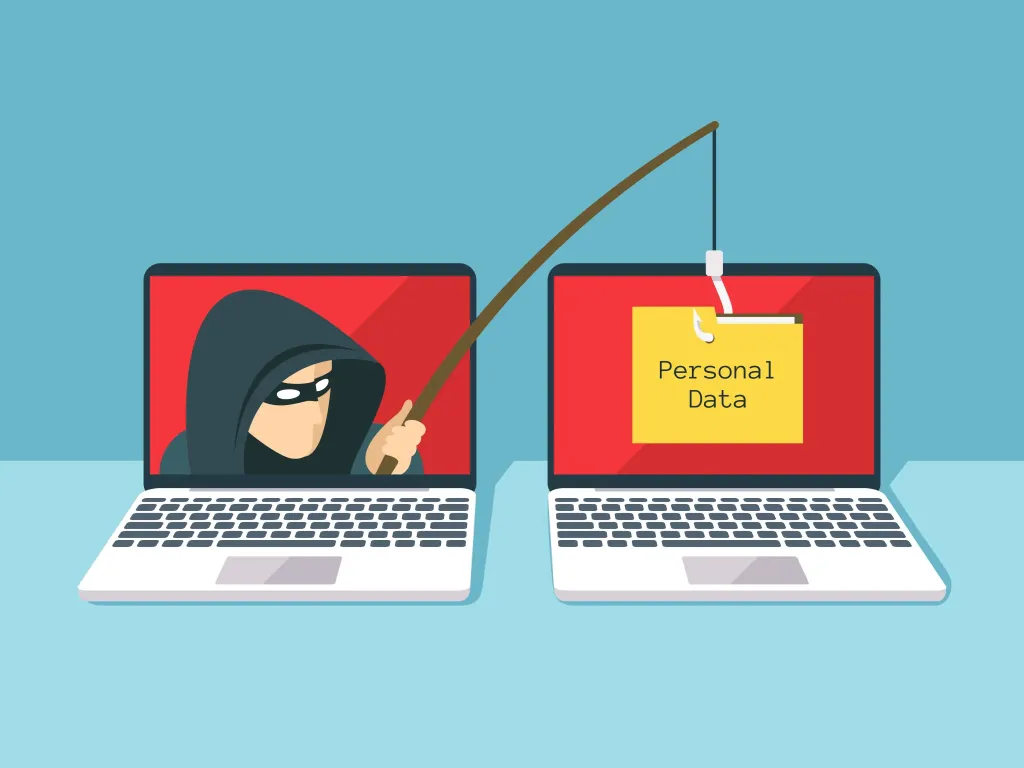
A legitimate domain, authenticated email and trusted sender address do not automatically mean the content is safe. One poorly handled form field could give attackers a way to abuse your own transactional email system.
Imagine receiving an email from a company you already trust.
The sender looks right.
The domain is genuine.
The company’s email authentication checks pass.
Then you click a link in the message — and end up on a phishing page.
The surprising part?
The company’s email system may never have been hacked.
The weakness could be sitting inside an ordinary web form.
This is the security problem developers need to understand: when an application places untrusted user input directly into an HTML email template, an attacker may be able to manipulate the content of an otherwise legitimate message.
For businesses in Nigeria and across Africa that increasingly depend on automated emails for customer communication, this is more than a coding issue. It can become a customer-trust and brand-reputation problem.
What is email template injection?
Email template injection happens when attacker-controlled input is inserted into an email template in an unsafe way.
Imagine a website asking users for their name.
The developer expects the field to contain a name such as “Ada Okafor”.
But unless the application validates and safely renders that input, a malicious user may submit HTML-like content instead.
If that value is subsequently placed into an HTML email without appropriate output encoding or sanitisation, the email may interpret the attacker’s input as markup rather than ordinary text.
That creates an unexpected path from:
Web form → Application → Email template → Customer inbox
The attacker does not necessarily need access to the company’s email account.
They may simply be abusing the application that generates the email.
Why this can make phishing especially convincing
This is the part that makes the vulnerability dangerous.
Suppose an attacker manages to influence the content of a legitimate transactional email.
The message may still be sent through the company’s authorised email infrastructure.
The sender domain belongs to the company.
The email service is legitimate.
The message may pass authentication checks.
To the recipient, the message can therefore look much more credible than a conventional phishing email sent from a random domain.
But there is an important distinction:
Email authentication verifies aspects of message identity and authorisation. It does not guarantee that every piece of content inside an authenticated message is trustworthy.
That is why SPF, DKIM and DMARC should be part of a broader security strategy rather than treated as a complete defence against phishing.
SPF, DKIM and DMARC: what they do — and don’t do
These three technologies play different roles in email security.
SPF
Sender Policy Framework helps a receiving mail system determine whether a sending server is authorised to send email for a domain.
DKIM
DomainKeys Identified Mail allows a domain to attach a cryptographic signature to a message so that receiving systems can verify that the signed content has not been altered in transit and that the message is associated with the signing domain.
DMARC
Domain-based Message Authentication, Reporting and Conformance builds on SPF and DKIM and allows domain owners to publish policies concerning messages that fail authentication alignment checks.
All three are valuable.
But none should be confused with an application-security control.
If your own application generates a message containing malicious or deceptive content, authentication can still establish that the message came through an authorised system.
The message can be authentic and still be harmful.
The real issue is treating data as HTML
This is where developers should pay close attention to their template engine.
HTML email is normal. Businesses use it for branding, buttons, tables, logos and other visual elements.
The security problem begins when untrusted data is allowed to become part of that HTML without appropriate protection.
There is a fundamental difference between:
- Displaying user input as text.
- Interpreting user input as markup.
A customer’s name should normally remain a piece of data.
It should not suddenly become part of the email’s HTML structure.
This is particularly important when a template engine provides a “raw HTML” or equivalent rendering option.
Such functionality may be useful when developers genuinely need trusted HTML.
It becomes dangerous when arbitrary user-controlled content can reach the same path.
How to protect your email templates
There are several practical steps development teams can take.
1. Treat every user input as untrusted
Do not assume that a field is safe because its label says “Name”, “Company” or “Address”.
A malicious user can submit unexpected data to almost any publicly accessible form.
Validate information according to what the field is actually supposed to contain.
Then ensure it is safely encoded for the context where it will be displayed.
For fields that do not need HTML, the simplest approach is generally to render the value as text.
2. Avoid raw HTML insertion for untrusted data
Review your email templates for mechanisms that insert raw HTML.
If a variable comes from a user, customer, API request or other untrusted source, developers should understand exactly how that value is rendered.
The key question is:
Will this value be displayed, or will the template engine interpret it?
Where HTML is genuinely required, use an appropriate sanitisation strategy based on an explicit allowlist of permitted elements and attributes.
Do not attempt to solve the problem by simply blocking a few suspicious strings.
3. Use context-appropriate output encoding
One of the common mistakes in application security is assuming that one sanitisation technique works everywhere.
It does not.
The correct handling depends on where the data is being placed.
Data rendered as HTML requires different treatment from data placed inside an HTML attribute, URL or other context.
Developers should use established security libraries and framework-supported escaping mechanisms rather than writing their own ad-hoc sanitisation routines.
4. Test your transactional emails
This is one of the easiest checks to overlook.
Create a controlled security test for every email template that receives user-controlled information.
Test fields with harmless characters associated with HTML and markup, including angle brackets, quotation marks and URL-like values.
Then inspect the delivered email.
Ask:
Does the input appear as ordinary text, or has it been interpreted as HTML?
Pay particular attention to unexpected links.
If a value that should be plain text becomes clickable or alters the structure of the email, investigate the template and rendering path.
Conduct these tests in a staging environment or with dedicated test accounts.
Do not experiment against unsuspecting customers.
Don’t test only password-reset emails
Password-reset messages are an obvious place to start, but they are far from the only emails that deserve attention.
Review every automated message that contains customer-controlled information.
That may include:
- Welcome emails
- Account-verification messages
- Password-reset notifications
- Login alerts
- Payment notifications
- Invoices
- Order confirmations
- Customer-support messages
- Contact-form notifications
- Referral emails
- User-generated notifications
The more user-controlled information a system puts into an email, the more carefully that data flow should be reviewed.
A simple security audit for developers
If you are responsible for an application’s email system, map the entire process.
Start here:
User input → Validation → Application logic → Template rendering → Email provider → Recipient
At each stage, determine what happens to the data.
Ask:
- Where did this value originate?
- Is it trusted or untrusted?
- Is it validated?
- Is it encoded before rendering?
- Is it passed into a raw-HTML function?
- Can it affect links or other HTML elements?
- Has the final email been tested?
This exercise can expose weaknesses that would not necessarily appear during a traditional review of the email server.
Why Nigerian businesses should care
For Nigerian businesses, email is increasingly tied to everyday digital operations.
Fintech platforms use it for transaction alerts.
Online businesses use it for order confirmations.
SaaS companies use it for account management.
Schools and organisations use it for notifications.
Small businesses use automated email to communicate with customers.
That means the company’s domain has become part of its digital identity.
Customers learn to recognise familiar sender addresses, company names and email formats.
If attackers can manipulate a legitimate communication channel, they can potentially exploit that trust.
The consequences may include phishing incidents, compromised customer accounts, fraud attempts, support costs and reputational damage.
And the original vulnerability could be surprisingly small.
A single unsafe variable in an email template may be enough to start the problem.
Don’t confuse authentication with content security
This distinction deserves repeating.
SPF can help verify authorised sending infrastructure.
DKIM can provide message signing and integrity protections for signed content.
DMARC can enforce domain-alignment policies around SPF and DKIM.
But these controls do not replace secure coding.
Your application still needs to make sure that user-controlled information cannot unexpectedly become HTML or otherwise alter a message’s intended content.
In other words:
Protecting the sender is not the same as protecting the message.
You need both.
Make email-template security part of your development lifecycle
Don’t wait for a phishing incident before checking your templates.
Email templates change constantly.
A developer adds a new variable.
A designer changes the layout.
A team switches template engines.
A new customer field is introduced.
A previously safe variable is suddenly rendered differently.
Any of these changes can introduce a new vulnerability.
Include email-template security in code reviews, application-security testing and regression testing.
Automated tests can also help ensure that user-controlled values continue to be rendered safely after future code changes.
The bottom line
Attackers do not always need to break into your email infrastructure.
Sometimes they look for a way to make your own application work for them.
An unsafe email template can potentially turn trusted transactional communication into a delivery mechanism for attacker-controlled content.
That is why businesses should look beyond SPF, DKIM and DMARC when assessing email security.
Review the application.
Review the templates.
Review the variables.
Test the final emails.
And most importantly, make sure data stays data.
Because when an ordinary form field can influence the HTML of a trusted email, the security problem is no longer just about email.
It is an application-security problem — and your customers are the ones standing at the other end of the inbox.
Frequently Asked Questions
What is email template injection?
Email template injection occurs when untrusted user-controlled information is inserted into an email template in an unsafe manner, potentially allowing that information to influence the structure or content of the generated email.
Can SPF, DKIM and DMARC prevent email template injection?
No. They address important aspects of email authentication and domain protection, but they do not replace secure handling of user input inside an application.
How can developers prevent email template injection?
Developers should validate input, use context-appropriate output encoding, avoid inserting untrusted content through raw-HTML mechanisms and sanitise HTML where rich content is genuinely required.
How can I test an email template for injection vulnerabilities?
Use a controlled test environment and submit harmless HTML-like test values through fields that appear in transactional emails. Inspect the resulting message to determine whether the input remains text or is interpreted as markup.
Are password-reset emails the only emails that need testing?
No. Any transactional email containing user-controlled information should be reviewed, including welcome messages, account alerts, invoices, support notifications and order confirmations.
Does passing DMARC mean an email is safe?
No. DMARC can help receiving systems evaluate domain authentication and alignment, but passing authentication does not guarantee that the content of a message is safe or appropriate.
Final takeaway
Secure email starts before the email is sent.
If your application accepts information from users, processes that information and then places it into an HTML email, the entire chain needs to be considered part of your security boundary.
A trusted domain should send trusted content.
Make sure your code keeps it that way.